

You are preparing a vertical video, but will a single export work for every surface? A Reel, a Story and a video posted in the feed do not take up the same space or serve the same purpose. To plan a campaign, see also ad formats on Instagram, as a sponsored creative must also take its placement into account.
Instagram video formats should therefore be chosen before the shoot or the edit, not just at the export stage. Resolution, ratio, length and the space set aside for text all affect legibility. Recommendations also change over time: the benchmarks given here are based on resources consulted in 2026, while the options available may differ depending on the app or publishing tool.
Which Format Should You Choose for Each Instagram Placement?
For a Reel or Story meant to fill a phone screen, start with a vertical 9:16 canvas, usually prepared at 1080 × 1920 pixels. For a feed video, a 4:5 portrait, i.e. 1080 × 1350 pixels, remains a common benchmark. A 3:4 format, i.e. 1080 × 1440 pixels, is also among the publishing dimensions listed in 2026. The Instagram size guide details these formats and distinguishes between the options for the feed, Reels and Stories.
These dimensions are preparation benchmarks, not a promise that every third-party tool will accept exactly the same settings. If you publish from a management platform or an integration, check its own limits before finalising the edit. Nor should you confuse a video embedded in a carousel with a standalone Reel: the placement changes the way the content is presented.
- Reel: opt for full-screen vertical so that the subject naturally fills the display.
- Story: use vertical framing again, keeping the key elements away from the edges.
- Feed video: choose a portrait format suited to the feed, or another ratio if the composition warrants it.
Why Adapt the Framing Rather Than Reuse the Same Export?
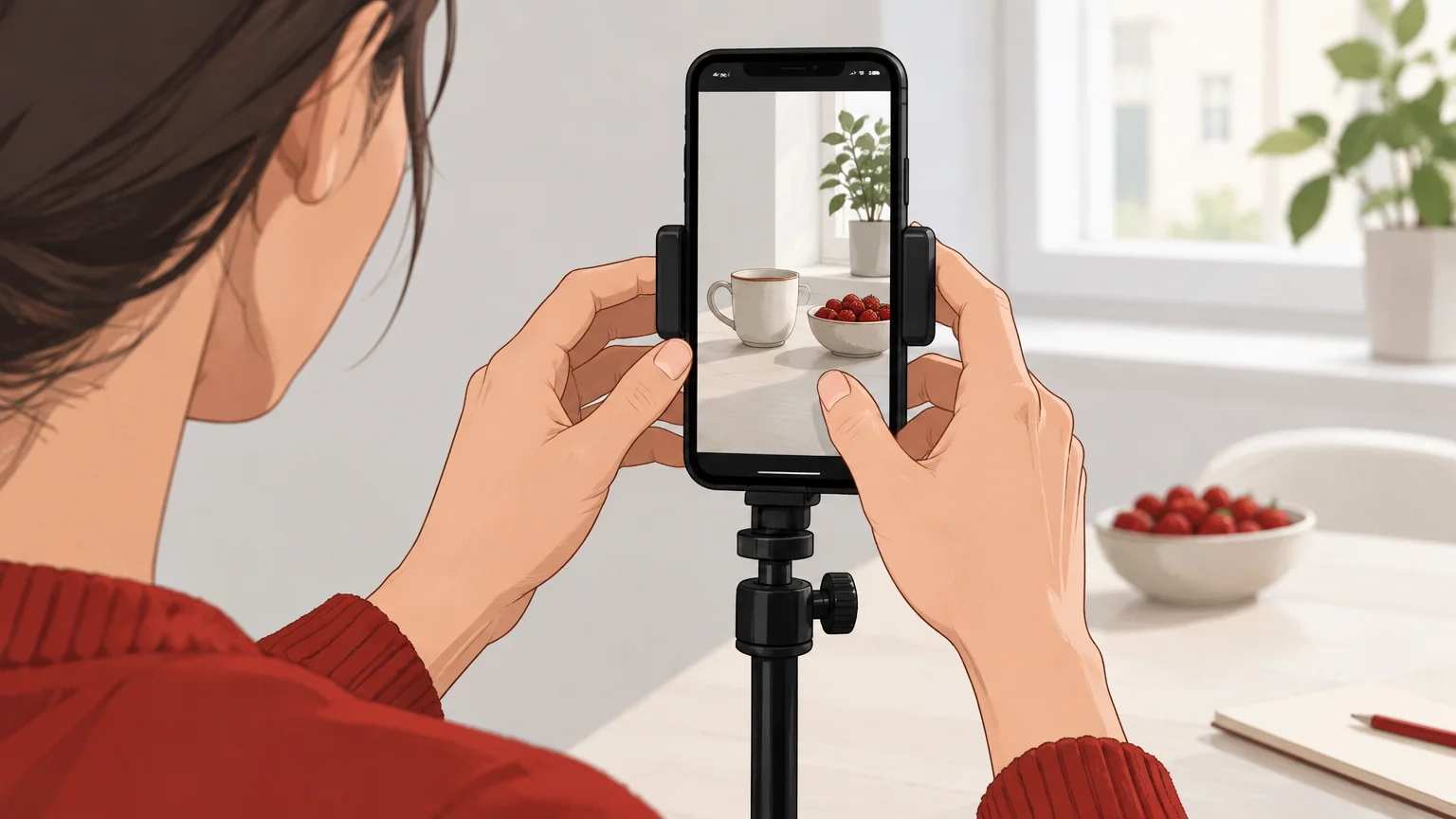
Imagine a video shot vertically, then cropped to appear in the feed. The subject may stay visible, but a title placed at the top or a product near the edge risks being cut off or becoming harder to read. A composition prepared for each placement avoids relying on cropping to fix a staging problem.
The 9:16 canvas suits full-screen viewing, but on its own it does not guarantee optimal rendering across every surface. A Reel cover, the profile preview and a carousel insertion may each show a different portion of the image. The Influencer Marketing Hub 2026 guide notably highlights the importance of cropping and interface elements when preparing videos.
If the same idea needs to work as a Reel and in the feed, plan two exports from a single shoot instead. Keep the main subject in a central area, then rearrange titles and subtitles to suit the framing. To decide between the two proportions, you can also choose between 9:16 and 4:5 video formats depending on the intended placement.
How Should You Position Text and Key Elements?
A correctly sized visual can still lose clarity if the interface covers essential information. On a Reel or Story, avoid placing a price, a subtitle or a call to action right at the edge of the screen. Also keep a margin around the main subject: icons and controls take up part of the image.
For an ad, safe-zone guidelines depend on the placement and the creative in question. An Instagram Reels ad specifications document recommends leaving space at the top and bottom to avoid overlapping with interface elements. The ad specifications document provides guidelines specific to this context, which should be checked for the placement used.
Before going live, look at a preview on a phone. In particular, check that faces, subtitles and product information remain visible, and that the opening shot makes sense without having to read text placed at the edge of the image.
Which Settings Should You Check Before Publishing?
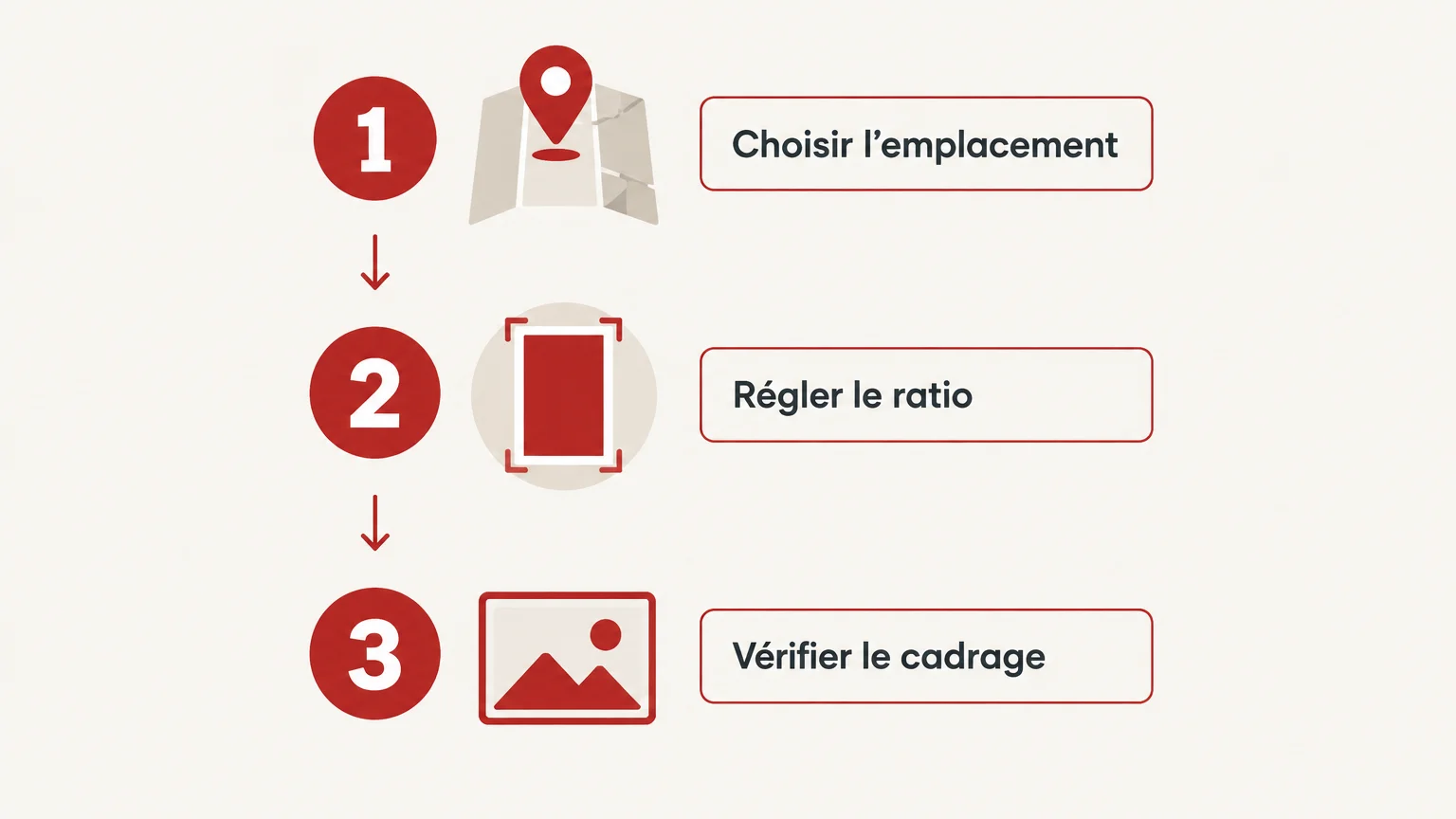
Before exporting, run three simple checks: first define the placement, then set the ratio, and finally check the framing in a mobile preview. This sequence helps you spot any mismatch between the composition and the publishing format early on.
- Confirm the placement: Reel, Story, feed post or video in a carousel.
- Set the dimensions: adapt the canvas to the ratio intended for that surface.
- Check the preview: review the subject, the text and the areas covered by the interface.
Constraints may differ depending on whether the video is published from the app or prepared with a professional API. The data.gouv.fr dataset, updated in 2026, brings together specifications taken from Instagram's publishing documentation. Also check the tool you will actually be using: a setting available in the app is not necessarily offered by a third-party service.
Length deserves a check of its own, separate from dimensions. It depends on the type of content and the publishing route, and the limits may change. To set the pace of your edit, see also the ideal length of an Instagram Reel, then check the limit displayed when you publish.
Choosing the Right Video Format for Instagram
Choose the placement first, then the ratio and the corresponding dimensions. 9:16 is a starting point for Reels and Stories; feed videos call for framing designed for the feed. Keep text and key subjects away from the edges, check the preview on mobile and confirm the limits in the publishing tool before the final export.
Adapt Your Videos to How Instagram Is Used
A well-prepared shoot makes variations easier, but each export needs framing consistent with its placement. We support brands from script to delivery, with art direction and adaptations designed around each platform's codes. We have worked with more than 350 brands.
If you would like to hand this preparation over to a team, we take care of Instagram Reels video production, from script to edit. Production can include vertical creatives and their variations for the feed. The scope is defined according to the volume of videos and the level of support you need; we will provide a quote tailored to your project.
Frequently Asked Questions
Which aspect ratio should I use for an Instagram video?
A vertical ratio suits content designed to fill the screen, such as Reels and Stories. For a feed video, choose portrait framing or another format suited to the composition.
Do Reels and Stories use the same framing?
They can start from a similar vertical canvas, but their interfaces and viewing contexts differ. Check the preview for each placement before publishing.
Can I post the same video in the feed and as a Reel?
You can reuse the footage, but a single export is not always suited to both placements. Prepare separate framings when text or the subject risks being cut off.
How long should an Instagram video be?
The length depends on the type of content and the aim of the edit. Check the limit displayed in your publishing tool and keep a pace suited to the message.
Why check a video on a phone before publishing it?
A mobile preview helps you spot hidden text, a subject too close to the edge or unexpected cropping. It helps you check how the video looks in real viewing conditions.