

In short: Three AI video tools stand out in 2026. PlayPlay suits marketing and communications teams that want to produce branded videos without editing skills. Synthesia is aimed at companies producing training, communications or sales videos in-house, at scale. HeyGen targets creators, trainers and businesses that want avatar videos without a shoot. The other seven tools meet more specific needs: social media, subtitles, ads or regulated training.
- PlayPlay: For marketing and communications teams that want to produce branded videos without editing skills.
- Synthesia: For companies that want to produce training, communications or sales videos in-house at scale.
- HeyGen: For creators, trainers and businesses that want to produce avatar videos without a shoot.
- CapCut: For creators, marketers and designers who want to produce social media videos quickly.
- Kapwing: For marketing, training and internal communications teams, and teachers, who want to produce videos quickly without a shoot.
- Klap: For creators, podcasters and marketing teams who want to repurpose their long-form videos into short formats without spending hours editing.
- Submagic: For creators, brands, agencies and media outlets that publish lots of short videos on TikTok, Reels or Shorts.
- Yuzzit: For media outlets, TV channels, sports organisations and businesses that want to make quick use of their live streams on social media.
- Arcads: For D2C brands, mobile app studios and growth agencies that produce large volumes of video ads.
- Speach: For pharma, life sciences and regulated industry teams that want to train their operators quickly.
Updated on 11 November 2026.
Why are businesses adopting AI video software?
Video has become a standard format. According to Wyzowl's Video Marketing Statistics 2025 study, 89% of businesses use video marketing. The same study shows that 51% of marketers have already used AI tools to create or edit videos. AI is no longer an experiment: it is becoming part of everyday production.
The obstacles remain real. Again according to Wyzowl (2025), among marketers who don't yet use video, 37% don't know where to start, 26% lack the time, 16% doubt the return on investment and 11% find the costs too high. AI video software promises to remove these obstacles: less shooting, less editing, more volume.
Buyers do have other concerns, though. They fear generic videos that all look the same, avatars that ring false and output that damages the brand image. They also worry about rights to voices and faces, data hosting and subscriptions whose price rises with usage. Choosing well starts with knowing what kind of video you want to produce.
How did we choose these 10 tools?
This ranking is based solely on what each company publishes itself (its website, methodology and case study pages), as read at the time of the update. Four criteria counted:
- Use case: We looked at what type of video each tool is really designed for: brand, training, avatar, social media or advertising.
- Ease of use: A selected tool must enable a team without an editor to quickly turn out a publishable video.
- Output quality: We assessed how convincing the voices, avatars, subtitles and editing are, particularly in French.
- Professional framework: We took into account team management, brand guideline compliance, data protection and commercial usage rights.
The 10 Best AI Video Creation Software Tools in France (2026)
1. PlayPlay
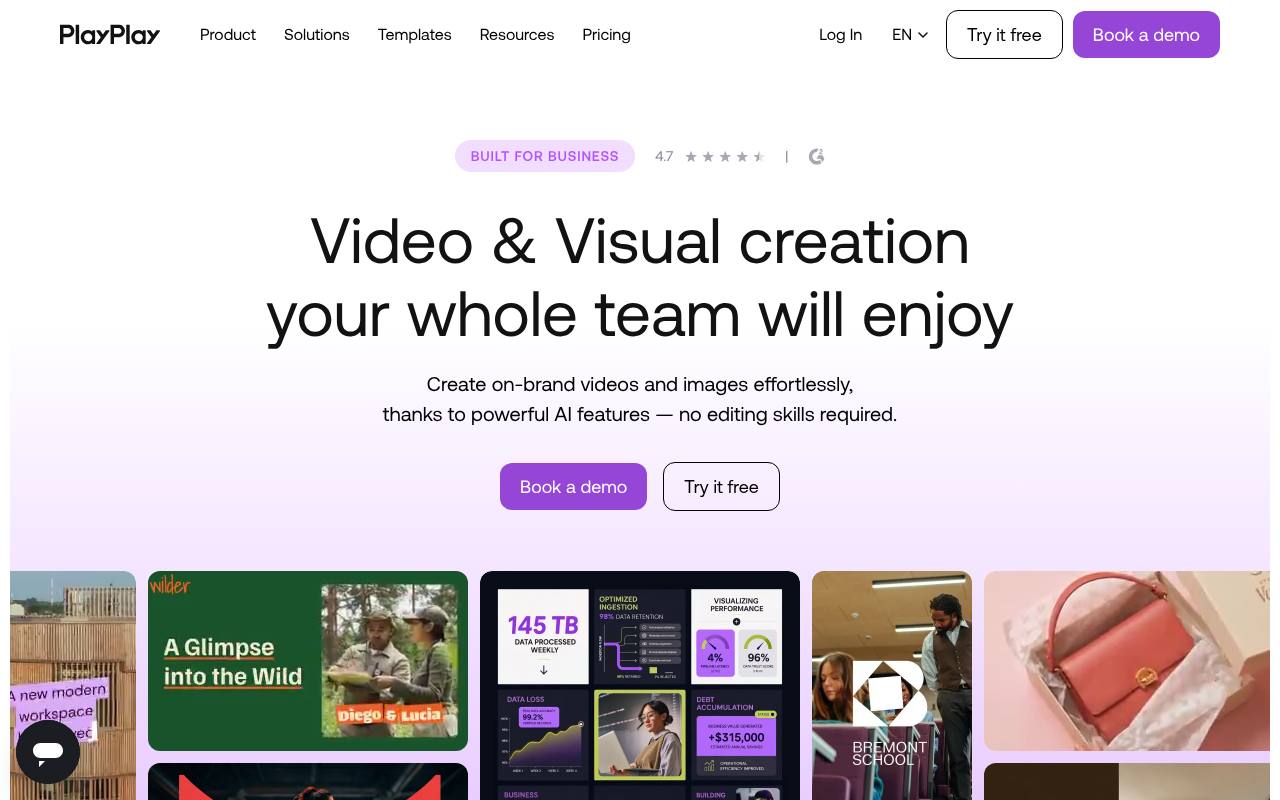
PlayPlay is an online visual creation platform for businesses. It lets you create professional videos and images in minutes, with no editing skills. Its AI suite covers video generation, avatars, voiceover, subtitles, translation and clip cutting. Your logos, colours and fonts are applied automatically to every creation. Teams collaborate, approve and share their content in one place, with human support and coaching.
Strengths:
- Complete AI suite: avatars, voiceover, subtitles, translation
- Brand guidelines applied automatically to every creation
- Content collaboration and approval in one place
Who it's for: For marketing and communications teams that want to produce branded videos without editing skills.
2. Synthesia
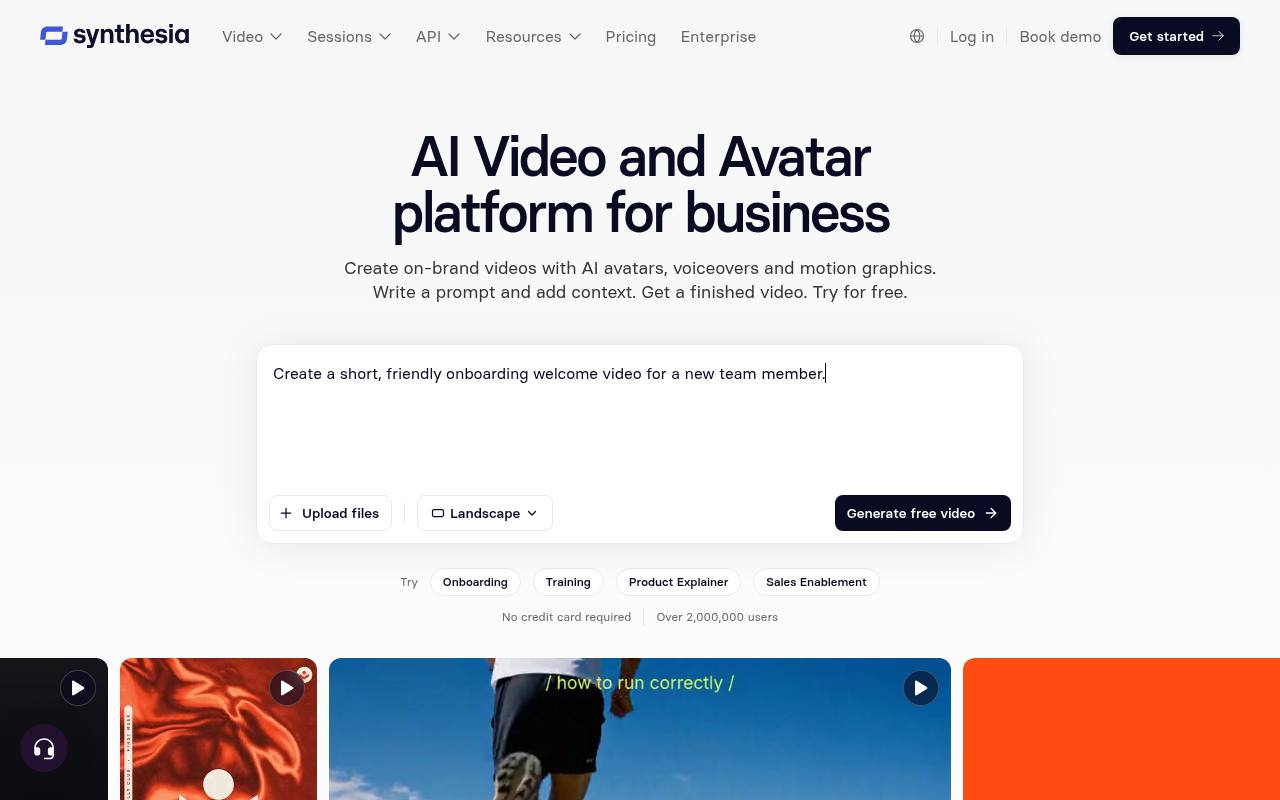
Synthesia presents itself as the AI video and avatar platform for businesses. You write a prompt, upload a document, a PowerPoint or a link, and the assistant produces a video with avatars, voiceover and motion graphics. The platform also lets you translate into more than 140 languages, manage your brand kit and approvals, distribute via link or SCORM export, then measure performance. It also offers interactive sessions and an API.
Strengths:
- Automatic video translation into more than 140 languages
- Interactive avatars for role-plays and conversational surveys
- API to generate videos and automate dubbing
Who it's for: For companies that want to produce training, communications or sales videos in-house at scale.
3. HeyGen
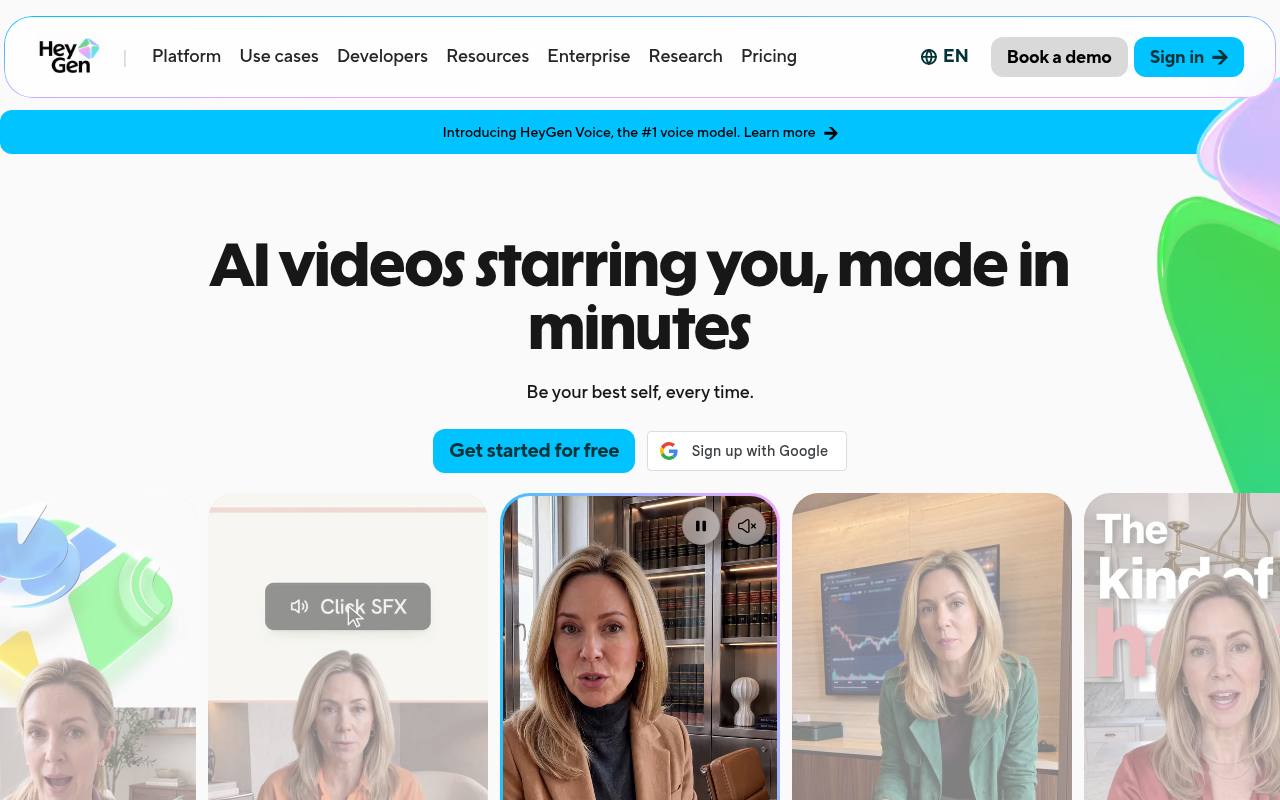
HeyGen is an AI video creation platform featuring your personal avatar, your face and your voice, without filming every video. Avatar V learns the way you speak and move. Video Agent turns an idea into a ready-to-share video from a simple prompt. AI Studio offers a text-based editor, just like writing a document. Video translation covers more than 175 languages and dialects with lip-sync and voice cloning.
Strengths:
- Realistic avatars, consistent across every angle and every video
- Video translation into more than 175 languages with lip-sync
- Collaborative text editor with Brand Kit and automatic subtitles
Who it's for: For creators, trainers and businesses that want to produce avatar videos without a shoot.
4. CapCut
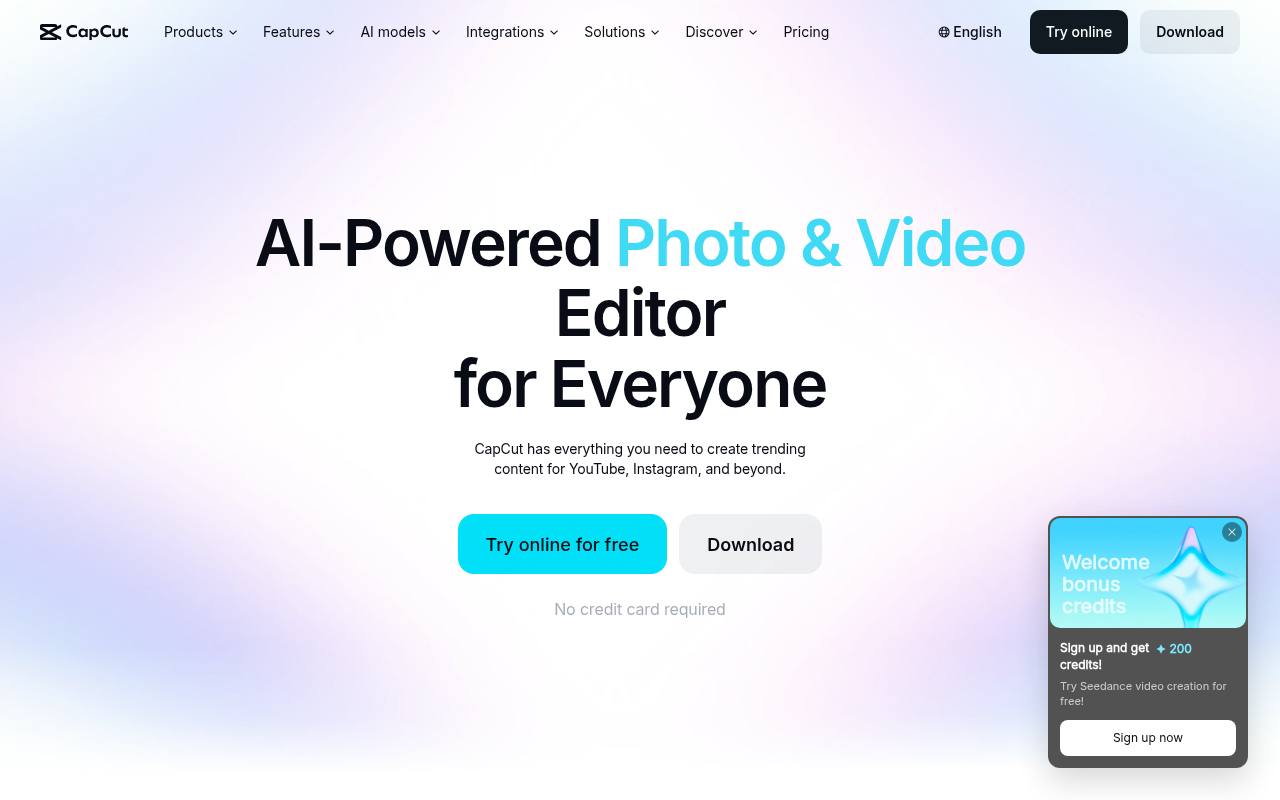
CapCut presents itself as an AI-powered photo and video editor for everyone. You can generate videos from words or images, or edit your clips on a timeline. Its EditPilot assistant turns your intentions into an edit: clip arrangement, pacing, subtitles. The tool gives access to several video models, including Dreamina Seedance, Sora 2 and Veo 3.1. It also offers ready-to-use templates, text-to-speech, automatic subtitles and background removal. It is available online, on desktop and on mobile.
Strengths:
- Several AI video models available in one place
- EditPilot assistant that edits directly on the timeline
- Free online trial, no credit card required
Who it's for: For creators, marketers and designers who want to produce social media videos quickly.
5. Kapwing
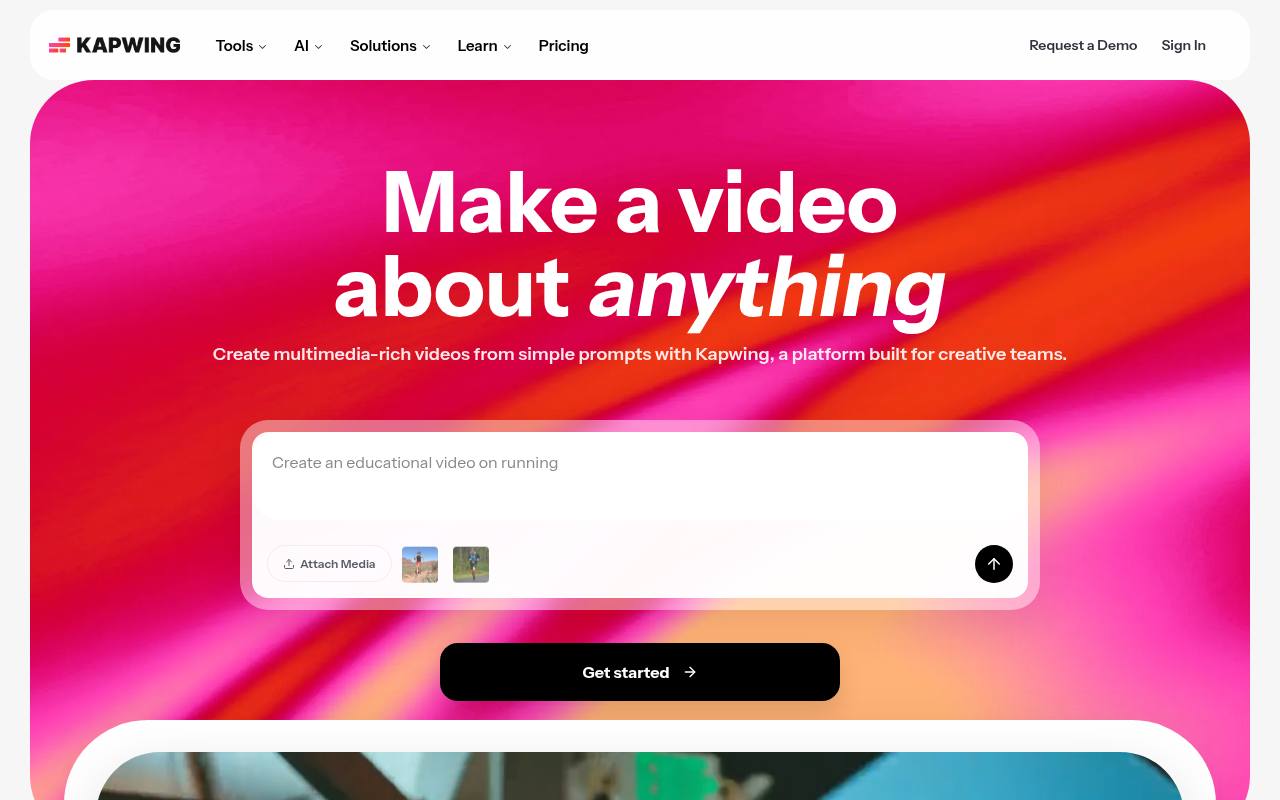
Kapwing is a browser-based video creation platform designed for creative teams. Its generator turns a simple prompt into a complete video, with voiceover, visuals, subtitles, music and characters, from a customisable script. It also offers a collaborative timeline editor, B-roll generation, dubbing in more than 40 languages, silence removal and clip cutting. Kapwing can even be controlled from Claude or ChatGPT via the MCP protocol.
Strengths:
- Complete video generated from a single prompt
- Dubbing and translation in more than 40 languages
- Connection to Claude and ChatGPT via MCP
Who it's for: For marketing, training and internal communications teams, and teachers, who want to produce videos quickly without a shoot.
6. Klap
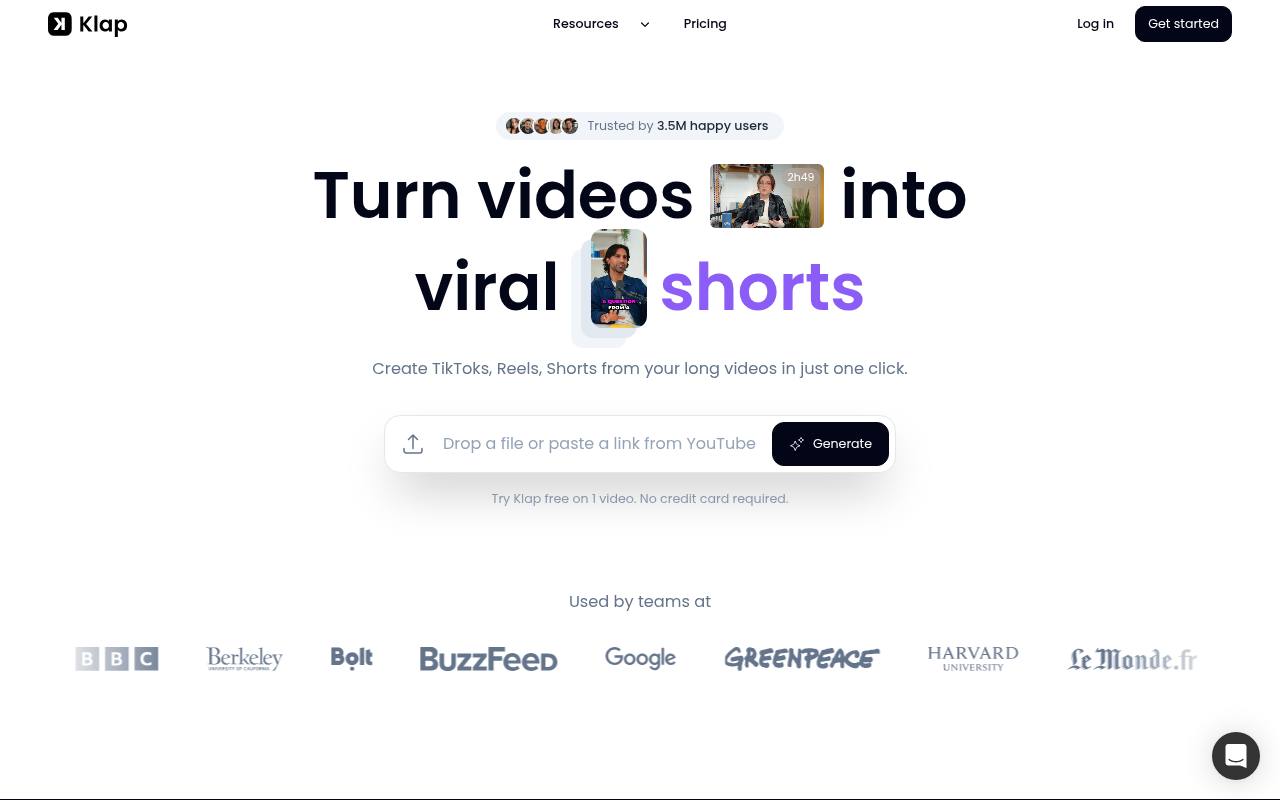
Klap is an AI video clipping tool. You paste a YouTube link or upload a file. The AI spots the most interesting topics and edits them into vertical clips for TikTok, Reels and Shorts. It reframes on the person speaking, adds subtitles and gives each clip a virality score. You customise fonts, colours and logos, then publish or schedule directly to your social networks. The tool supports more than 99 languages, including French.
Strengths:
- Virality score given to each generated clip
- Automatic reframing on the main subject with AI Reframe 2
- Direct publishing and scheduling to TikTok, YouTube, Instagram, LinkedIn, Facebook
Who it's for: For creators, podcasters and marketing teams who want to repurpose their long-form videos into short formats without spending hours editing.
7. Submagic
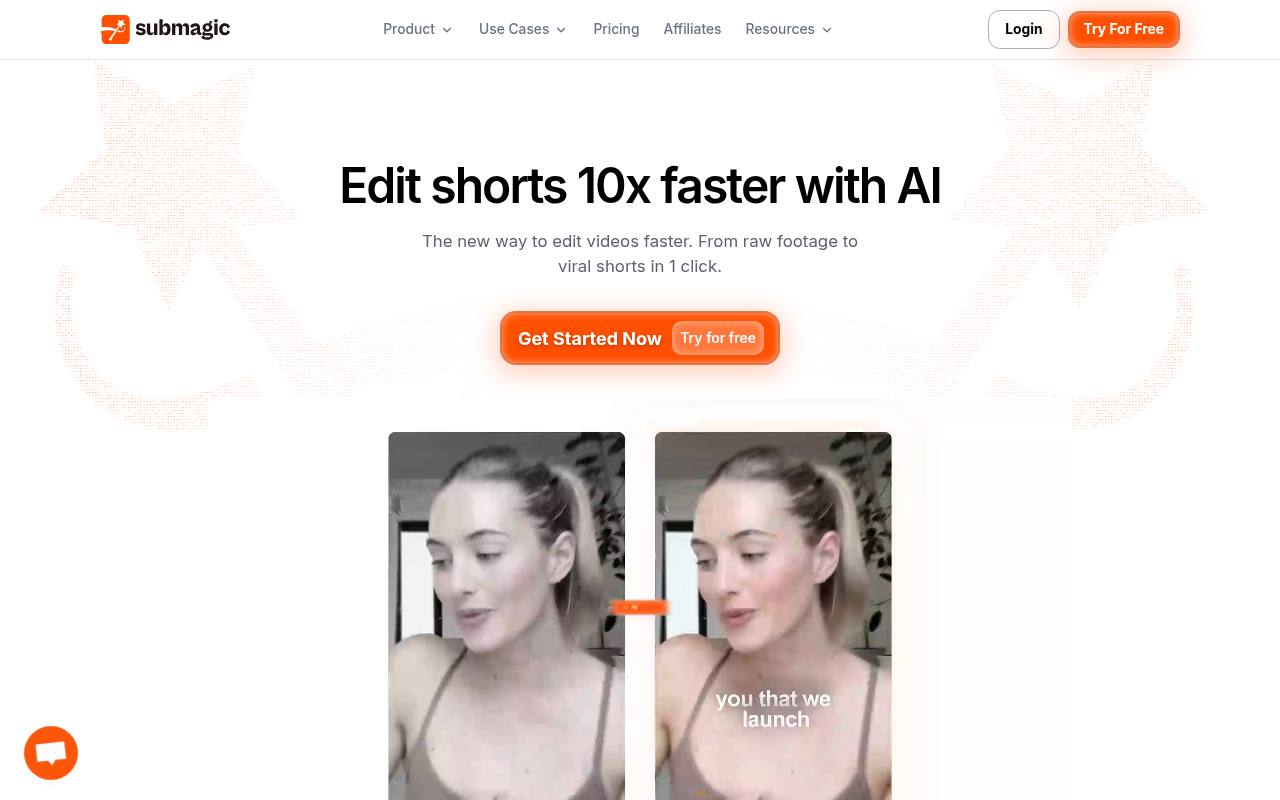
Submagic is AI software that turns your raw footage into ready-to-publish shorts. You choose a viral style or provide a reference video, then upload your podcasts, interviews or phone footage. The AI adds subtitles, cuts, B-roll, zooms, effects and music, removes silences and spots key moments. You then fine-tune each element by editing the text. The tool also offers AI avatars, video translation, a team workspace and scheduled publishing across several networks.
Strengths:
- Subtitles in 118 languages with a claimed 99% accuracy
- One long video automatically cut into several shorts
- Text-based editing and scheduled multi-platform publishing
Who it's for: For creators, brands, agencies and media outlets that publish lots of short videos on TikTok, Reels or Shorts.
8. Yuzzit
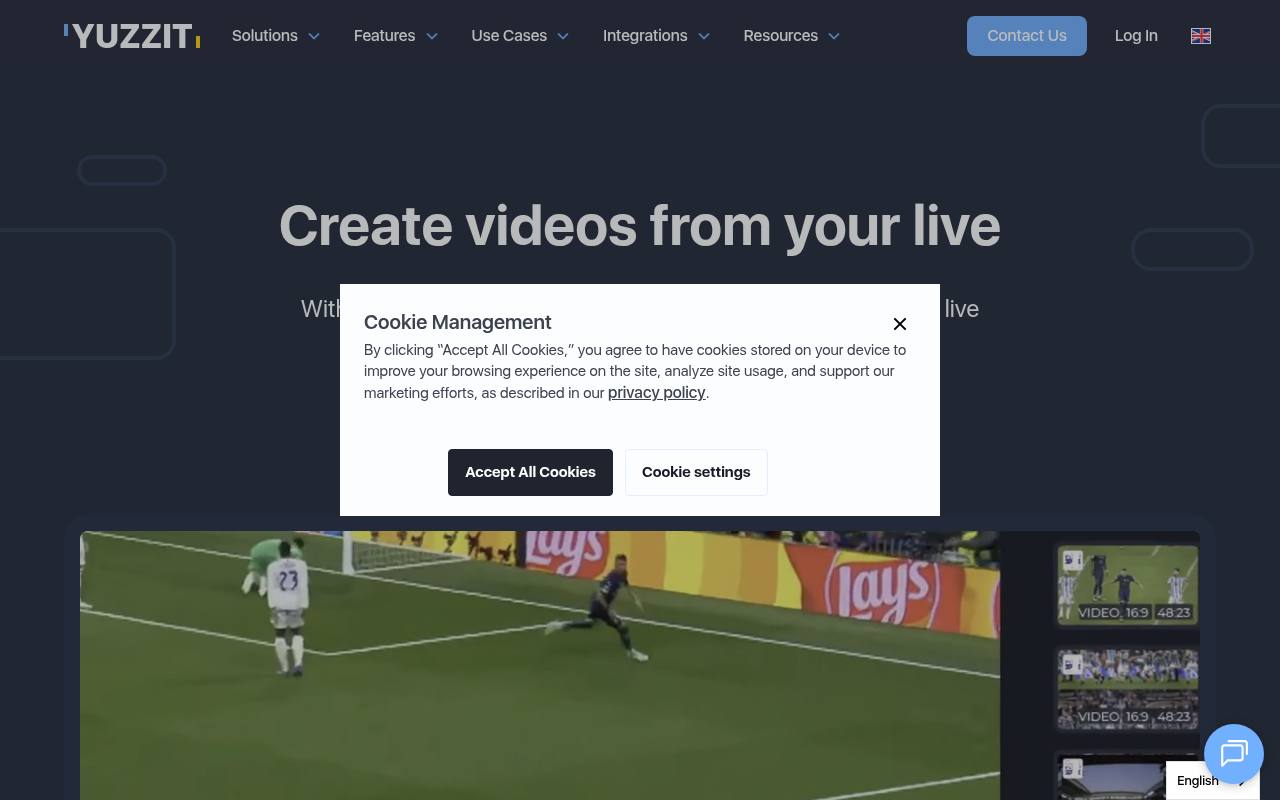
Yuzzit is a platform for editing, sharing and storing your live streams and videos. Its live clipping feature cuts every highlight of a live broadcast in real time, with no editing expertise needed. Its AI-assisted editing studio offers vertical reframing with speaker or motion detection, automatic subtitling, transcription and AI-generated titles. You then publish your clips to YouTube, TikTok, Instagram, X or Facebook, live or scheduled, from a single tool.
Strengths:
- Real-time live stream clipping, broadcast-quality export
- AI vertical reframing with speaker or motion detection
- Direct or scheduled multi-platform publishing from a single tool
Who it's for: For media outlets, TV channels, sports organisations and businesses that want to make quick use of their live streams on social media.
9. Arcads
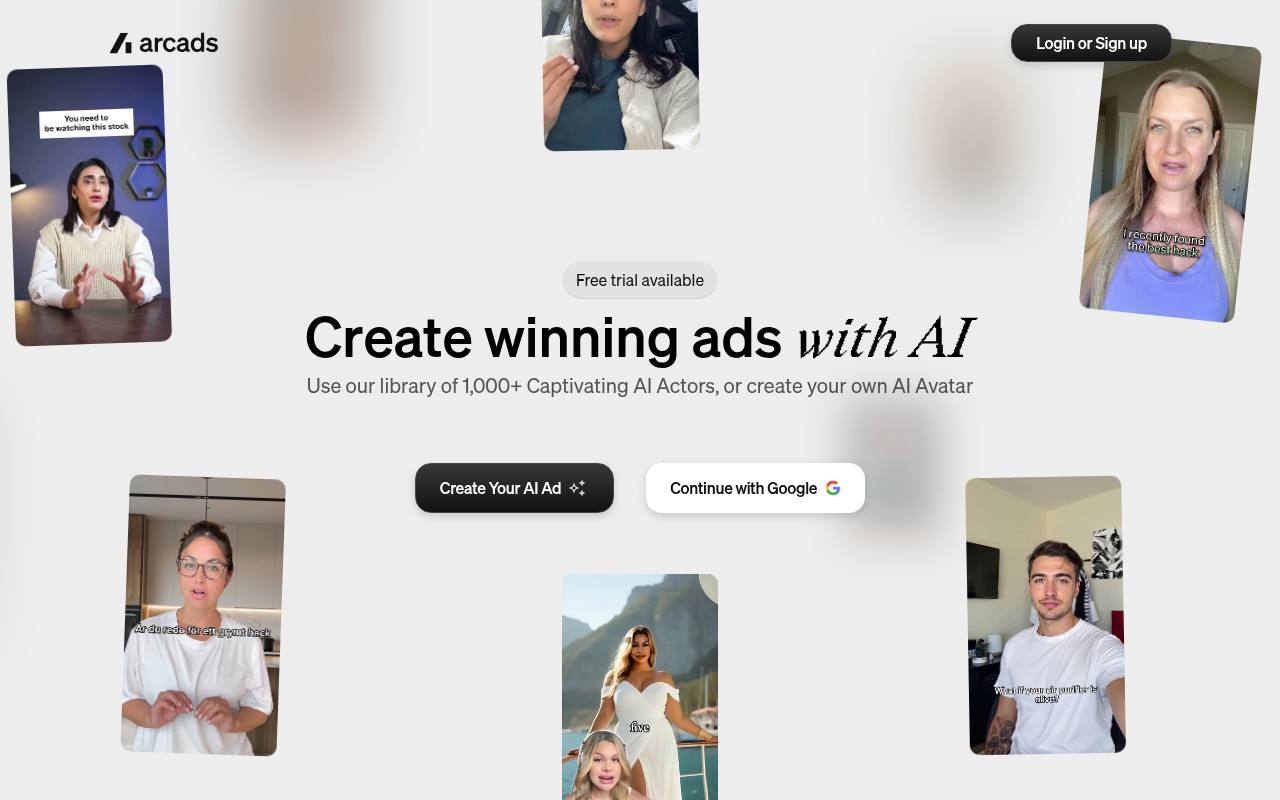
Arcads presents itself as a generative AI platform for marketing teams. It lets you generate UGC-style video and image ads. You get access to a library of more than 1,000 AI actors or create your own avatar to present your product. You choose your AI model, then edit, translate, extend and subtitle your videos. Ready-to-use ad presets and a workflow canvas let your team create and test ads together.
Strengths:
- Library of more than 1,000 ultra-realistic AI actors
- Native voices for campaigns in more than 30 languages
- Ad presets designed for performance marketing
Who it's for: D2C brands, mobile app studios and growth agencies that produce a high volume of video ads.
10. Speach
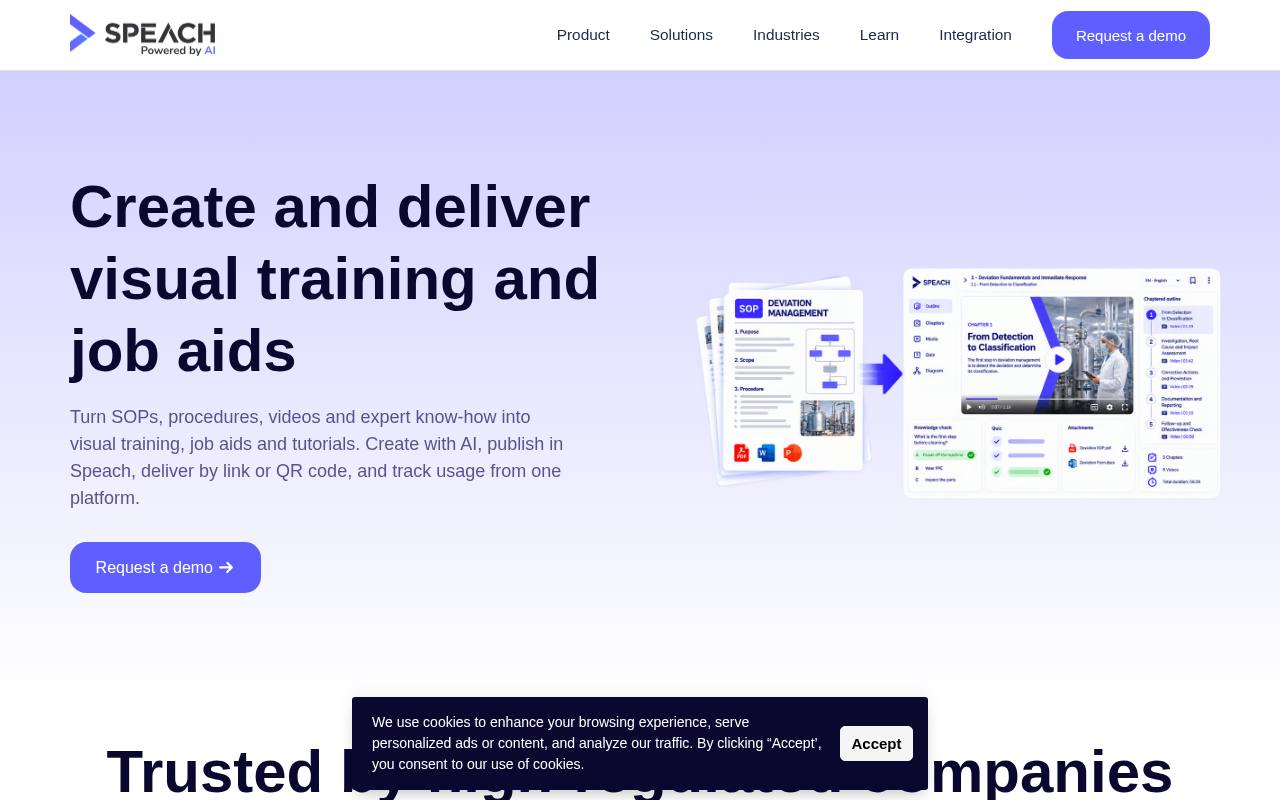
Speach describes itself as a knowledge execution platform. It turns your SOPs, procedures and work instructions into ready-to-use video training. The AI generates visuals, voiceovers, avatars, slides and assessments, translated into more than 100 languages. You import your documents, the AI creates visual workflows, then you adjust and approve them. The platform tailors content to each role and targets regulated industries, with an audit trail and electronic signatures.
Strengths:
- AI-generated video training from your SOPs
- Automatic translation into more than 100 languages
- GxP and 21 CFR Part 11 compliance, plus audit trail
Who it's for: pharma, life sciences and regulated industry teams that want to train their operators quickly.
All 10 Compared in One Table
| # | Company | Who it's for | Key strength | Website |
|---|---|---|---|---|
| 1 | PlayPlay | Marketing and communications teams that want to produce branded videos without editing skills. | Complete AI suite: avatars, voiceover, subtitles, translation | playplay.com |
| 2 | Synthesia | Companies that want to produce training, communications or sales videos in-house at scale. | Automatic video translation into more than 140 languages | synthesia.io |
| 3 | HeyGen | Creators, trainers and companies that want to produce avatar videos without a shoot. | Realistic avatars, consistent across every angle and every video | heygen.com |
| 4 | CapCut | Creators, marketers and designers who want to produce social media videos quickly. | Several AI video models available in one place | capcut.com |
| 5 | Kapwing | Marketing, training and internal communications teams, as well as teachers, who want to produce videos quickly without a shoot. | Complete video generated from a single prompt | kapwing.com |
| 6 | Klap | Creators, podcasters and marketing teams who want to repurpose their long-form videos into short formats without spending hours editing. | Virality score given to each generated clip | klap.app |
| 7 | Submagic | Creators, brands, agencies and media outlets that publish lots of short videos on TikTok, Reels or Shorts. | Subtitles in 118 languages with a claimed 99% accuracy | submagic.co |
| 8 | Yuzzit | Media outlets, TV channels, sports organisations and companies that want to make quick use of their live streams on social media. | Real-time live stream clipping, broadcast-quality export | yuzzit.video |
| 9 | Arcads | D2C brands, mobile app studios and growth agencies that produce a high volume of video ads. | Library of more than 1,000 ultra-realistic AI actors | arcads.ai |
| 10 | Speach | Pharma, life sciences and regulated industry teams that want to train their operators quickly. | AI-generated video training from your SOPs | speach.me |
What Should You Check Before Signing Up?
- Make sure the licence gives you commercial usage rights to the generated videos, avatars, voices and music.
- Ask where your data is hosted and whether the vendor will sign a GDPR-compliant data processing agreement.
- Work out the real cost at your production volume, as credits, minutes and user seats can quickly push up the bill.
- Test the tool on your own French-language content before signing up, via a free trial or a demo.
- Check the export formats, the integrations with your tools and what you get to keep if you cancel your subscription.
Where Does Esekai Fit In?
Esekai is a video agency in Paris, a vertical video studio founded by Tony Lo. It doesn't sell software; it produces short videos, creative ads, UGC and AI video ads for TikTok, Reels and Shorts. The tools ranked here give you the means to produce. Esekai brings the strategy, the creative idea and the ad distribution, having worked with more than 350 brands in 3 years. Esekai, AI video agency.
Conclusion
The right AI video software is the one that matches your main use case. First define the video you need to produce, test two or three tools on your own content, then compare the real cost. The tool saves you time. Strategy, messaging and creativity remain your real advantage.
Honourable Mentions: 10 More Worth Knowing
| Company | Who it's for | Website |
|---|---|---|
| Wisecut | Creators and companies that want to quickly pull social clips from their long-form videos. | wisecut.ai |
| Google Veo | Creators and developers who want to generate cinematic videos with sound using Google's tools. | deepmind.google |
| Adobe Firefly | Creators and companies that want to generate AI content within the Adobe ecosystem. | adobe.com |
| Veed | Marketers, solopreneurs and teams who want to produce social and advertising videos quickly. | veed.io |
| Fliki | Creators, professionals and teams who want to produce videos without a camera or editing skills. | fliki.ai |
| Pika | Advertising creatives, editors, marketers and filmmakers who want to produce AI videos, images and sound in one place. | pika.art |
| Luma AI | Creative teams, agencies and brands that want to quickly produce videos and visuals consistent with their identity. | lumalabs.ai |
| PixVerse | Creators, marketing teams and developers who want to generate AI videos at scale. | pixverse.ai |
| Invideo AI | Editors, independent creators and creative businesses that want to produce and edit AI videos faster. | invideo.io |
| Pictory | Marketers, trainers, creators and teams who want to produce videos without shooting or editing. | pictory.ai |
Does your company deserve a place in this ranking? Email us at contact@esekai.fr: we read every submission.
Our Other Rankings
- The 10 Best Cash Management Software Tools in France (2026)
- The 10 Best Appointment Booking Software Tools in France (2026)
- The 10 Best Cold Email Software Tools in France (2026)
- The 10 Best Email Marketing Software Tools in France (2026)
- The 10 Best CRM Software Tools in France (2026)
- The 10 Best Digital Marketing Consultants in France (2026)
Frequently Asked Questions
- What is the best AI video creation software?
- There is no single best tool for everyone. PlayPlay suits branded videos, Synthesia large-scale training and internal communications, and HeyGen avatar videos. For social media, look at CapCut, Klap or Submagic. For advertising, Arcads. Start from the video you want to produce, not from the tool.
- Can AI video software replace a video shoot?
- For a training video, a tutorial or repurposed content, often yes. For a video that needs to stir emotion, show a product in use or embody a brand, a real shoot remains more convincing. Many companies combine the two: AI for volume, shoots for key videos.
- Are AI avatars suitable for advertising?
- They let you quickly test lots of hooks and variants, which is useful for advertising on TikTok or Meta. But a poorly chosen avatar can look artificial and erode trust. Test several versions, compare the results and keep a human eye on the script, the tone and the final output.
- How much does AI video creation software cost?
- Prices vary by model: per-user subscription, credits, minutes of generated video or an enterprise plan on quotation. Some tools offer a free version or trial, often limited or watermarked. What matters is not the advertised price but the cost per publishable video at your actual volume.