

In short : DaVinci Resolve takes first place. It suits editors and colorists who want editing, color, and audio in one professional tool, backed by Blackmagic Design hardware. Avid Media Composer comes second. It fits film, TV, and newsroom teams that edit together on shared projects. Descript ranks third. It works best for marketing, sales, training, and podcast teams that want to record, edit, and publish in one place, often by editing the transcript like a document.
- DaVinci Resolve : Editors, colorists and production teams that want professional post tools tied to a full hardware ecosystem.
- Avid Media Composer : Film, TV and newsroom editing teams that need professional, collaborative postproduction workflows.
- Descript : Marketing, sales, training and podcast teams that want to record, edit and publish video in one tool.
- Camtasia : For companies that create training videos, tutorials, and how-to guides for employees or customers.
- CyberLink PowerDirector : Creators, marketers, and businesses that want a capable video editor with built-in AI help.
- Lightworks : Filmmakers, editors and content creators who want a professional editor they can start using for free.
- Adobe Premiere Pro : Creators, marketing teams and businesses that want professional video editing inside a full creative suite.
- CapCut : Marketers, social media creators and designers who need fast video for YouTube and Instagram.
- VEED : Marketers and solopreneurs who need branded social videos and ads fast without filming.
- Kapwing : Marketing, training and internal comms teams, educators and content creators who want fast, collaborative video editing online.
Updated on 26 November 2026.
Why is choosing a video editor harder in 2026?
Video is now a normal part of doing business. Wyzowl's State of Video Marketing 2026 survey found that 91% of businesses use video as a marketing tool. Spending on software has grown along with it. Straits Research valued the global video editing software market at USD 2.41 billion in 2025, and North America held 38.5% of that market. There are also more tools to choose from. Some are pro suites built for film and TV. Others are browser apps built for quick social clips.
AI is changing what buyers look for. In the same Wyzowl 2026 survey, 63% of video marketers said they had used AI tools to create or edit videos, up from 51% a year earlier. Teams now expect auto captions, transcript editing, and one-click resizing. The risk is paying for features your team never uses. The opposite risk is picking a tool your editors quickly outgrow.
Buyers worry most about cost, lock-in, and results. Seats, cloud storage, and AI credits can push the bill up as a team grows. Projects that can't easily leave a tool make switching expensive later. Proving results is getting harder too. Wyzowl reports that 82% of video marketers say video gives them a good return in 2026, down from 93% in 2025. That makes it even more important to choose the right tool for the job.
How did we choose these 10 tools?
This ranking relies only on what each company publishes itself (its website, its method and case study pages), read at the time of the update. Four criteria mattered:
- Fit for the job : We matched each tool to a clear use, such as feature films, training videos, or social clips.
- Learning curve : We looked at how quickly a new person on your team can turn out a usable video.
- Team collaboration : We checked shared projects, review and comments, and how well each tool works for a team rather than a single editor.
- Pricing and value : We compared free tiers, subscriptions, and licenses against what you actually get for the money.
The 10 Best video editing tools (2026)
1. DaVinci Resolve
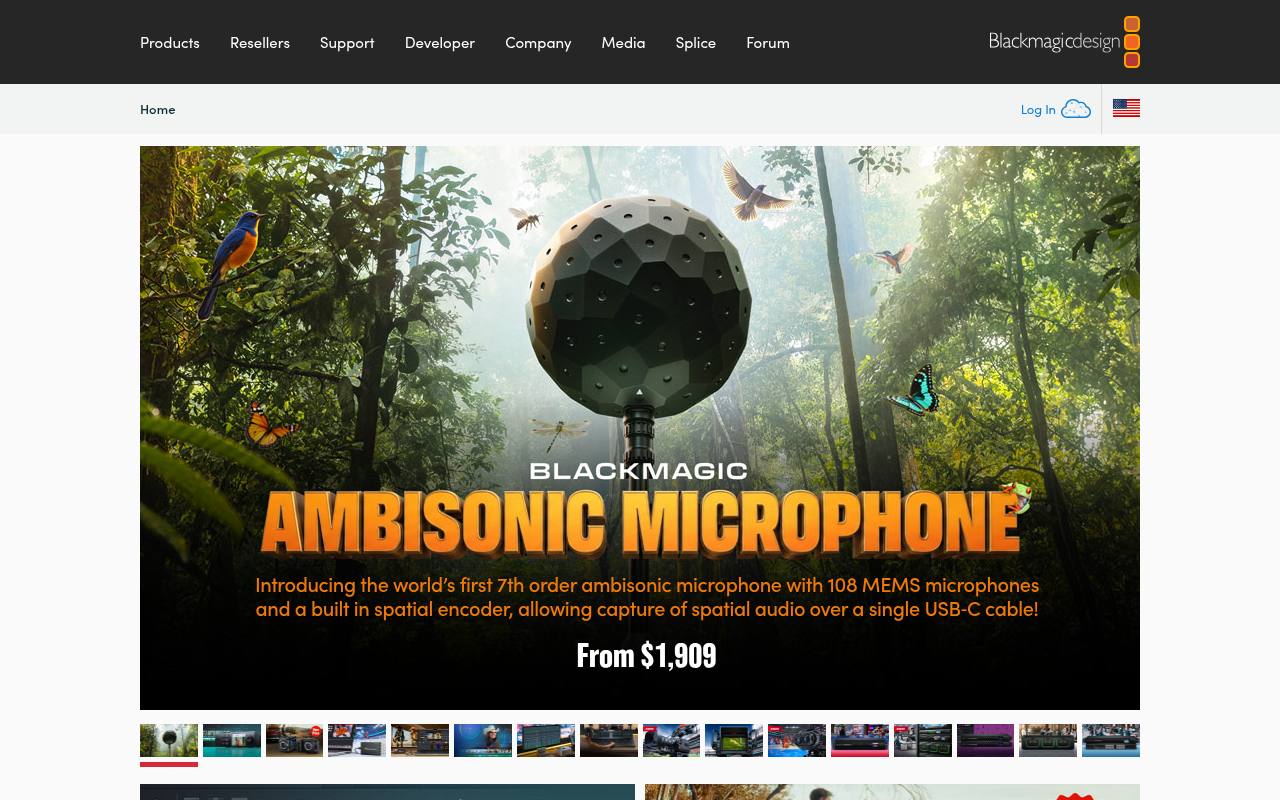
Blackmagic Design builds products for the feature film, post and broadcast industries, including DaVinci Resolve. The site presents regular Resolve updates, with version 21.1 adding AI assistant integration, expanded still photography support and over 100 new tools and controls for editors and colorists. Resolve sits alongside the company's own hardware, such as URSA cameras, ATEM switchers, UltraStudio capture devices and Blackmagic Cloud storage. Customer stories show its products used on summer films and an HBO comedy.
Strengths :
- Editing and color tools in one application
- Frequent updates, including AI assistant integration
- Works with Blackmagic cameras, capture devices and cloud storage
Best for : Editors, colorists and production teams that want professional post tools tied to a full hardware ecosystem.
Visit the website of DaVinci Resolve
2. Avid Media Composer
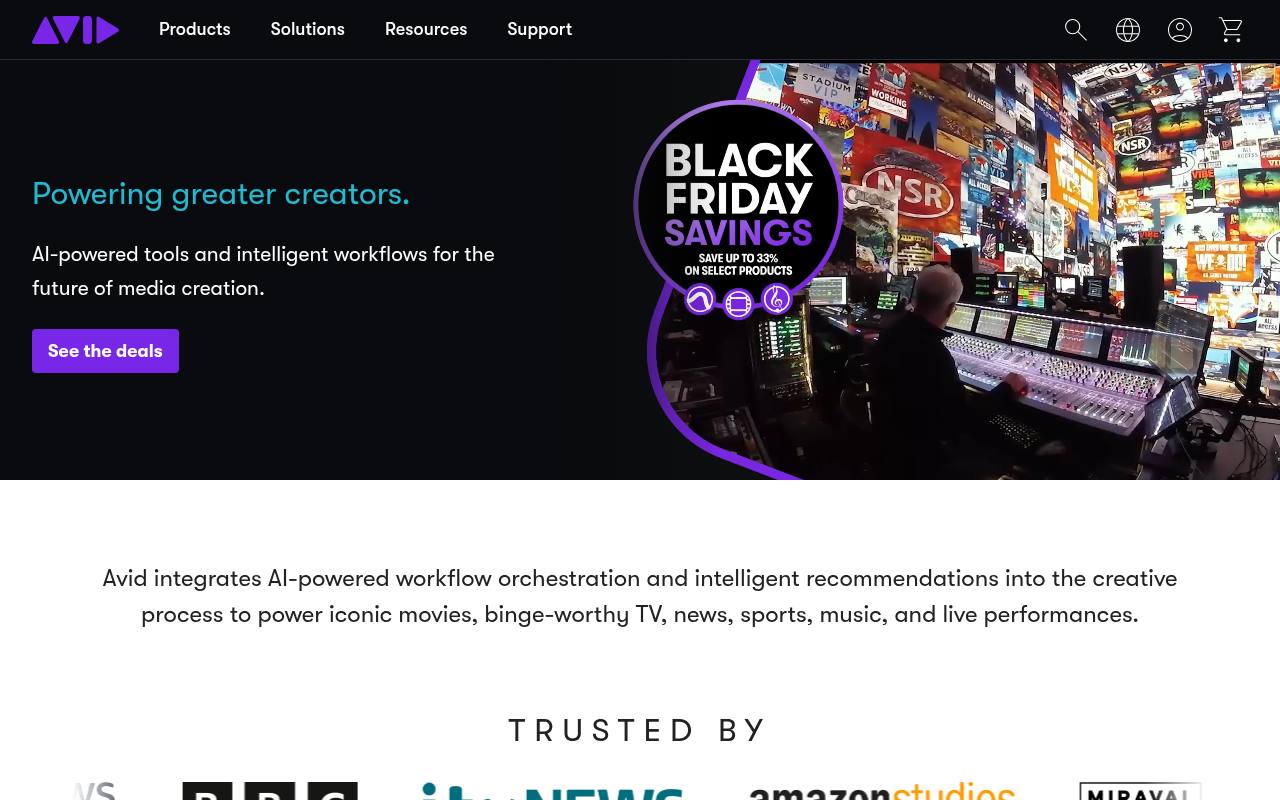
Avid makes professional audio, video and media production software. Media Composer is its video editor, built for film, TV, news and sports teams. Recent updates add faster multicam editing, collaboration features and native FilmLight color tools that stay connected from dailies to delivery. AI features include Ready to Edit, which syncs, transcribes and organizes a project before you cut, and Avid Assist for context-based search. Media Composer also works with Pro Tools, storage and Avid Content Core.
Strengths :
- Native FilmLight color tools inside Media Composer
- AI that syncs, transcribes and organizes footage before editing
- Site says Avid has won 20 Emmy Awards for media innovation
Best for : Film, TV and newsroom editing teams that need professional, collaborative postproduction workflows.
Visit the website of Avid Media Composer
3. Descript
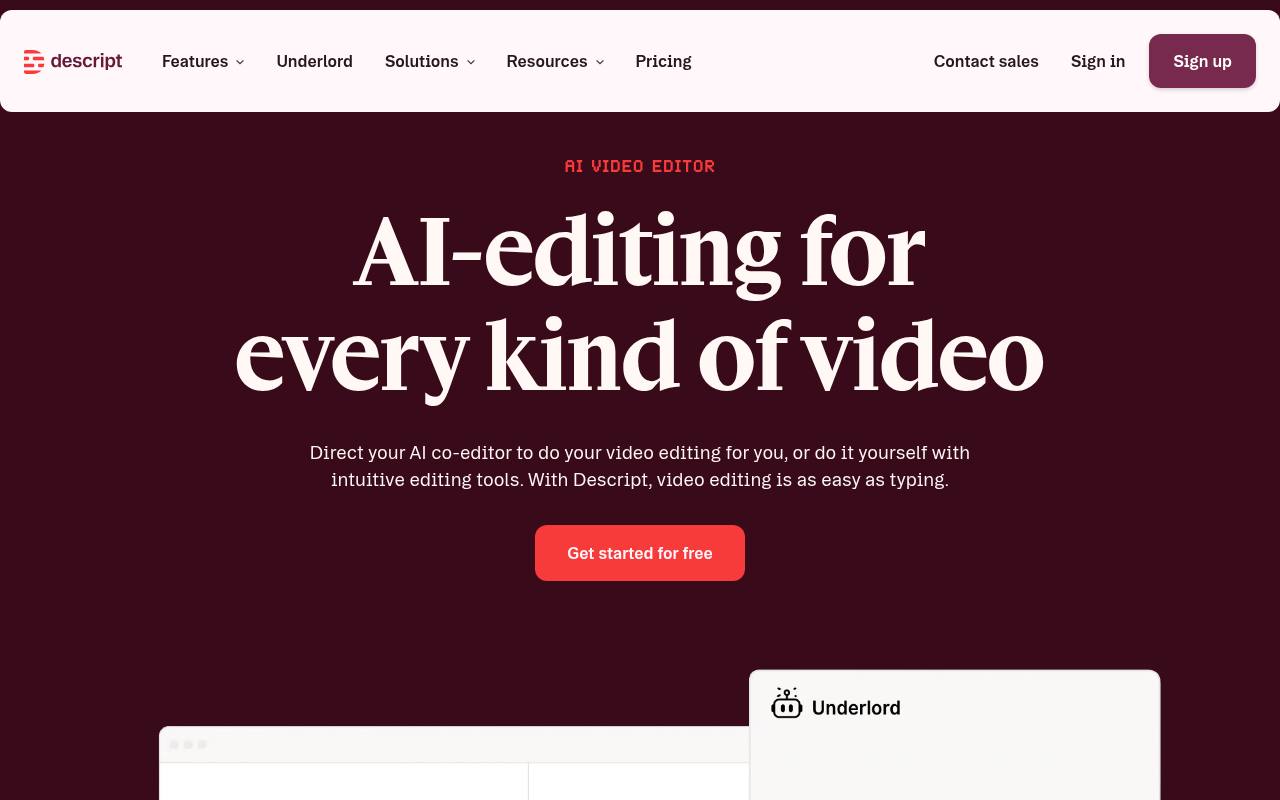
Descript is an AI video and audio editor that makes editing as easy as editing text. You record or import footage, get an instant transcript, then edit the video by editing the words. You can cut filler words and retakes in a click. Its AI assistant, Underlord, can turn a raw recording into a tight cut. Descript also cleans up audio with Studio Sound, adds captions, translates video, generates B-roll, and reformats clips for YouTube, TikTok and LinkedIn.
Strengths :
- Edit video by editing the transcript text
- Underlord AI assistant handles heavy editing work
- SOC 2 Type II certified, SSO and GDPR compliant
Best for : Marketing, sales, training and podcast teams that want to record, edit and publish video in one tool.
4. Camtasia
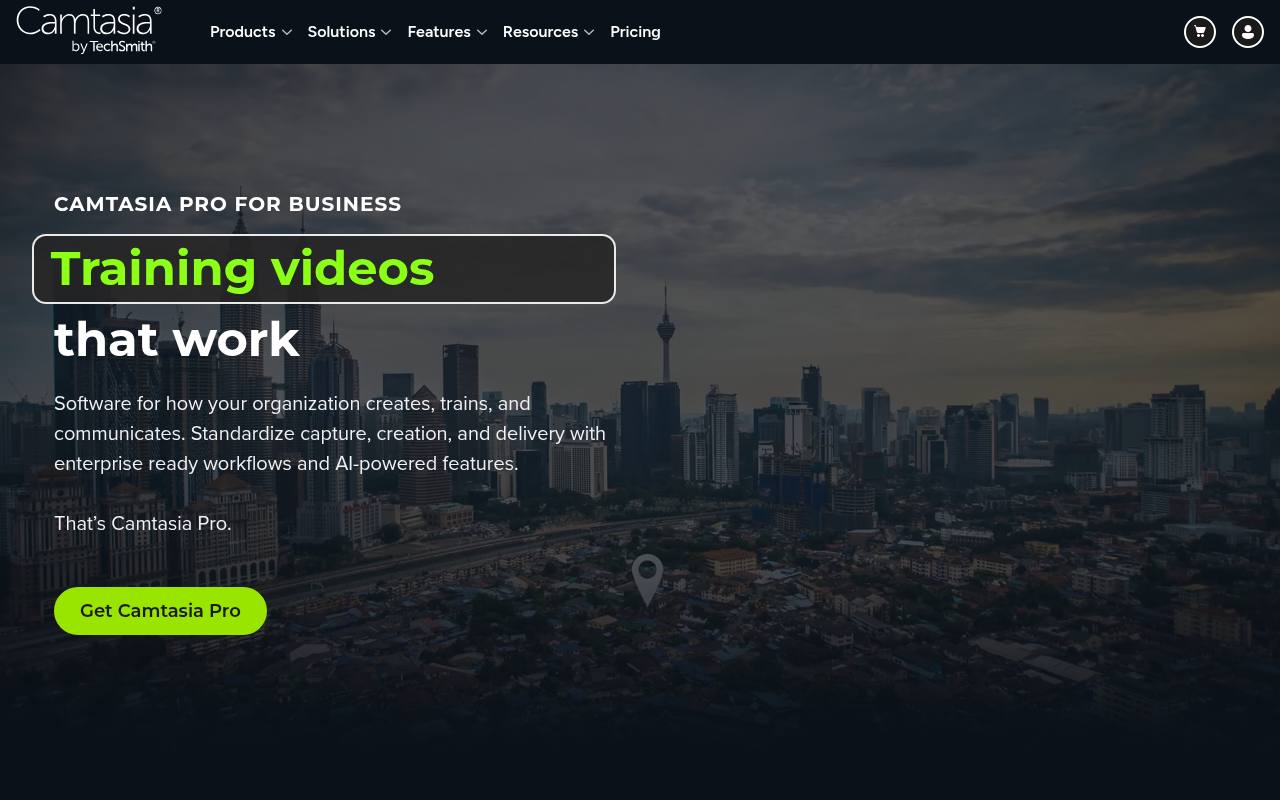
Camtasia, from TechSmith, is a software suite for screen recording, video editing, and training content. The Camtasia Editor records screen, camera, and audio as separate layers, then lets you edit cursor movement and remove webcam backgrounds. Audiate adds text-based editing, AI avatars, and AI translation with dubbing. Camtasia Pro's generative screencast turns screenshots into narrated videos in seconds. The suite also includes Snagit for image capture and Screencast for cloud hosting and feedback.
Strengths :
- Multi-track recording of screen, camera, and audio as separate layers
- Edit video like a text document with Audiate
- SOC 2, GDPR, and VPAT compliant for enterprise rollouts
Best for : For companies that create training videos, tutorials, and how-to guides for employees or customers.
5. CyberLink PowerDirector
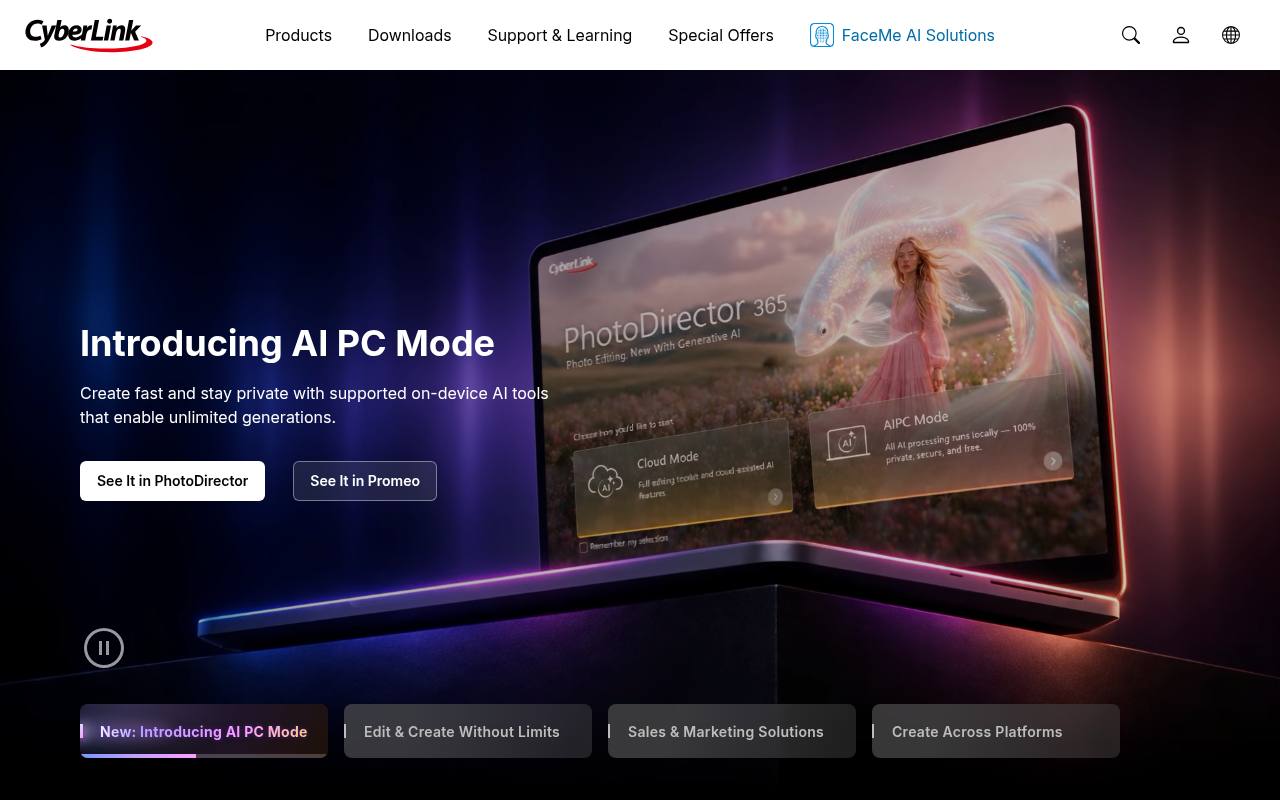
CyberLink builds software to edit videos and photos, work with audio, and create marketing content. Its flagship video tool, PowerDirector 365, is an award-winning editor with powerful timeline tools and an AI agent. You describe what you want in plain language, and the agent plans the work and carries it out. The suite runs on desktop, mobile, and the web through MyEdit. A new AI PC Mode runs supported AI tools locally, so you can create without uploading content.
Strengths :
- PCMag Editors' Choice every year since 2011
- Timeline editing plus an AI agent that does the work
- Desktop, mobile apps, and online tools in one ecosystem
Best for : Creators, marketers, and businesses that want a capable video editor with built-in AI help.
Visit the website of CyberLink PowerDirector
6. Lightworks
Lightworks is a professional video editor for Windows, macOS and Linux. It covers the full workflow in one app: import almost any footage from phone clips to RAW, organize with bins, tags and search, cut and trim on a purpose-built timeline, then adjust color and sound and export for social media, broadcast or film. Lightworks Free is not a time-limited trial and exports up to 1080p. Create and Pro add more tools, formats and delivery options.
Strengths :
- Two Emmy Awards for editing and live multicam innovations
- Free version with no time limit, exports up to 1080p
- Runs on Windows, macOS and Linux with cloud integrations
Best for : Filmmakers, editors and content creators who want a professional editor they can start using for free.
Visit the website of Lightworks
7. Adobe Premiere Pro
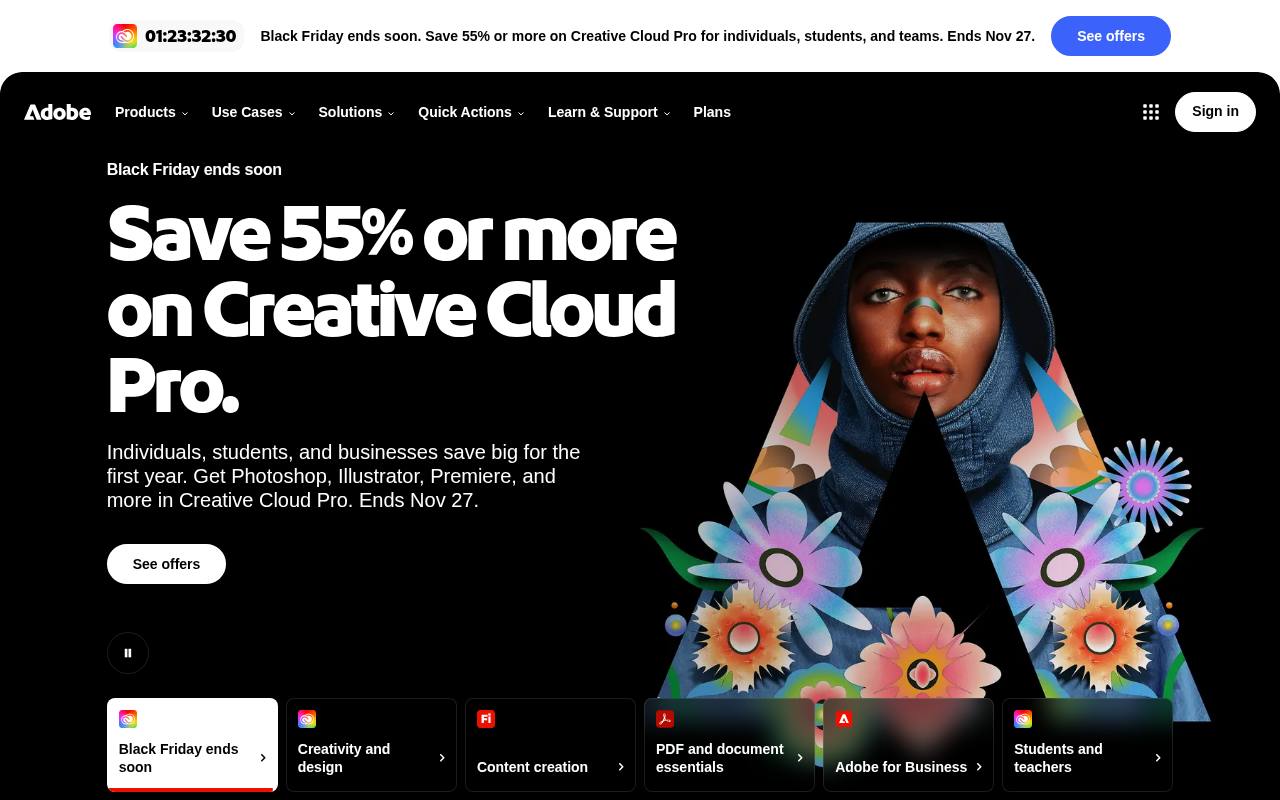
Adobe makes creative, marketing and document software. Premiere is its video editing tool, sold as part of Creative Cloud alongside Photoshop, Illustrator and Firefly. The site highlights a new Color Mode in Premiere and AI features through Firefly, which Adobe describes as bringing the best models into one place. Adobe offers a free trial, plans for individuals and teams, and discounted pricing for students and teachers. Business buyers get dedicated products under Adobe for Business.
Strengths :
- Part of Creative Cloud, alongside Photoshop, Illustrator and Firefly
- New Color Mode for color work in Premiere
- Free trial, team plans and student discounts
Best for : Creators, marketing teams and businesses that want professional video editing inside a full creative suite.
Visit the website of Adobe Premiere Pro
8. CapCut
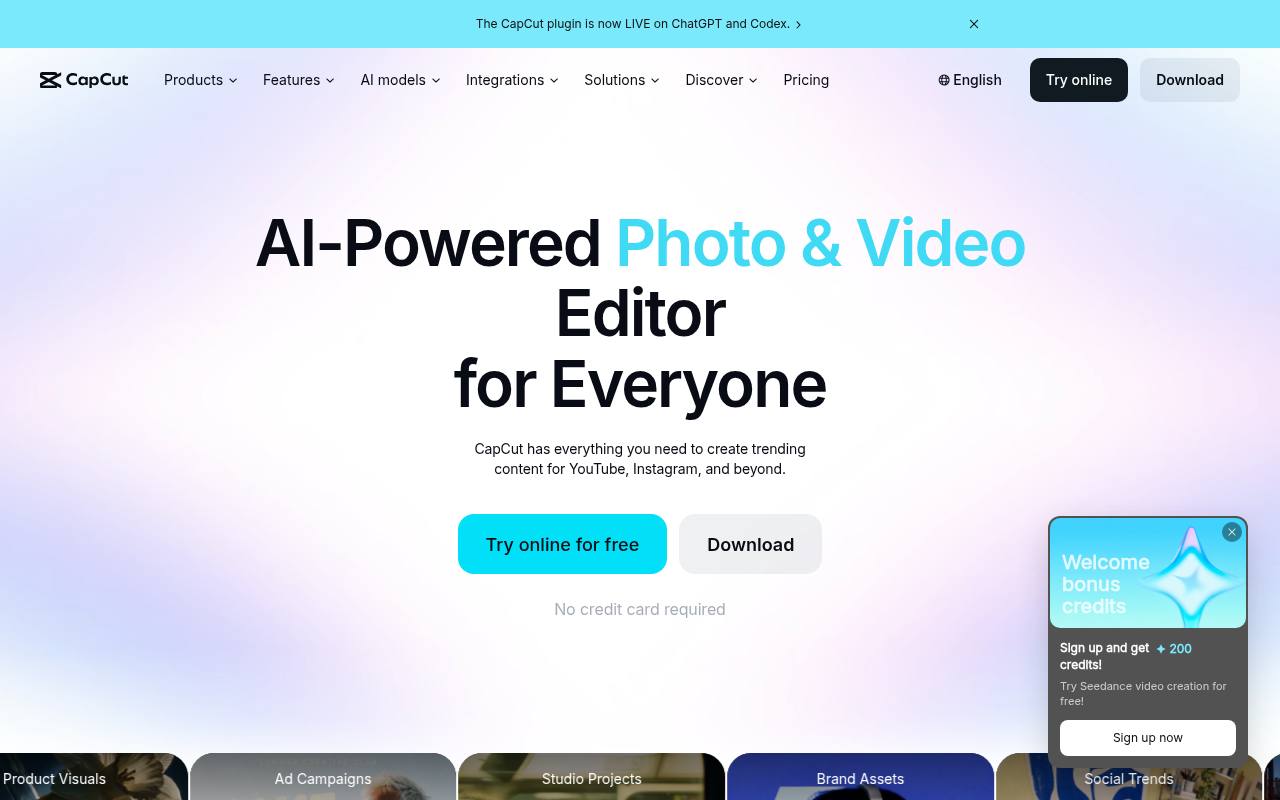
CapCut is an AI-powered photo and video editor for everyone. You can edit online or download it for desktop and mobile. You cut, arrange and polish clips on a timeline. EditPilot turns your direction into edits, setting the pace and adding captions. The suite also includes AI video and image generation with models like Sora 2 and Veo 3.1, auto captions, text to speech and background removal. Templates give you a one-click start for content made for YouTube, Instagram and beyond.
Strengths :
- Timeline editor with EditPilot, which turns your direction into edits
- Several AI video and image models, switchable in one click
- Auto captions, text to speech and background removal built in
Best for : Marketers, social media creators and designers who need fast video for YouTube and Instagram.
9. VEED
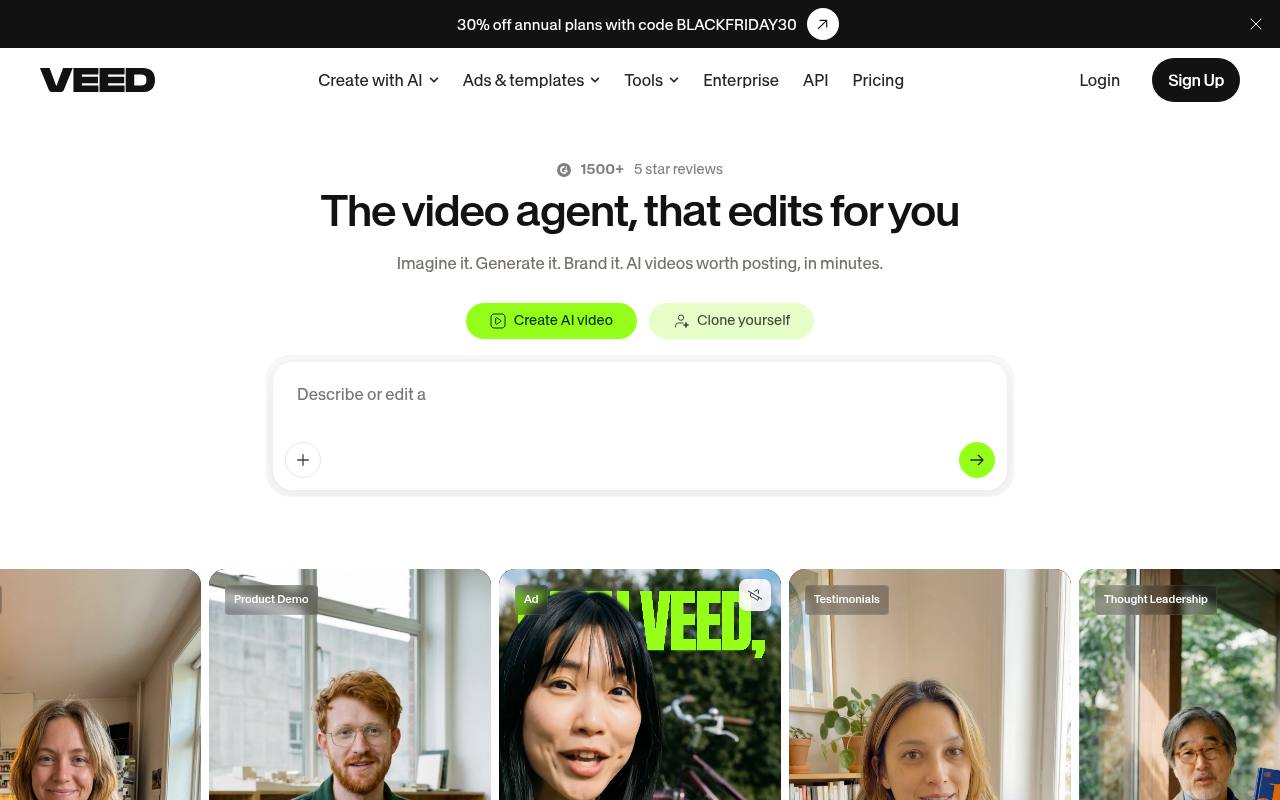
VEED is an AI video creation platform that lets you generate and edit in one workflow. You can create talking heads, edit with AI, dub videos and add subtitles. It turns an idea into a video from a simple prompt, with no camera needed. Your brand colors, fonts, logos and voice are applied to every video. Browser tools cover cutting, compressing, converting, transcribing and screen recording. The platform is built for marketers and solopreneurs, with templates, ad makers and team features.
Strengths :
- Generation and editing in one browser-based workflow
- Auto subtitles, dubbing and video translation built in
- Brand kit applies your colors, fonts and logos
Best for : Marketers and solopreneurs who need branded social videos and ads fast without filming.
10. Kapwing
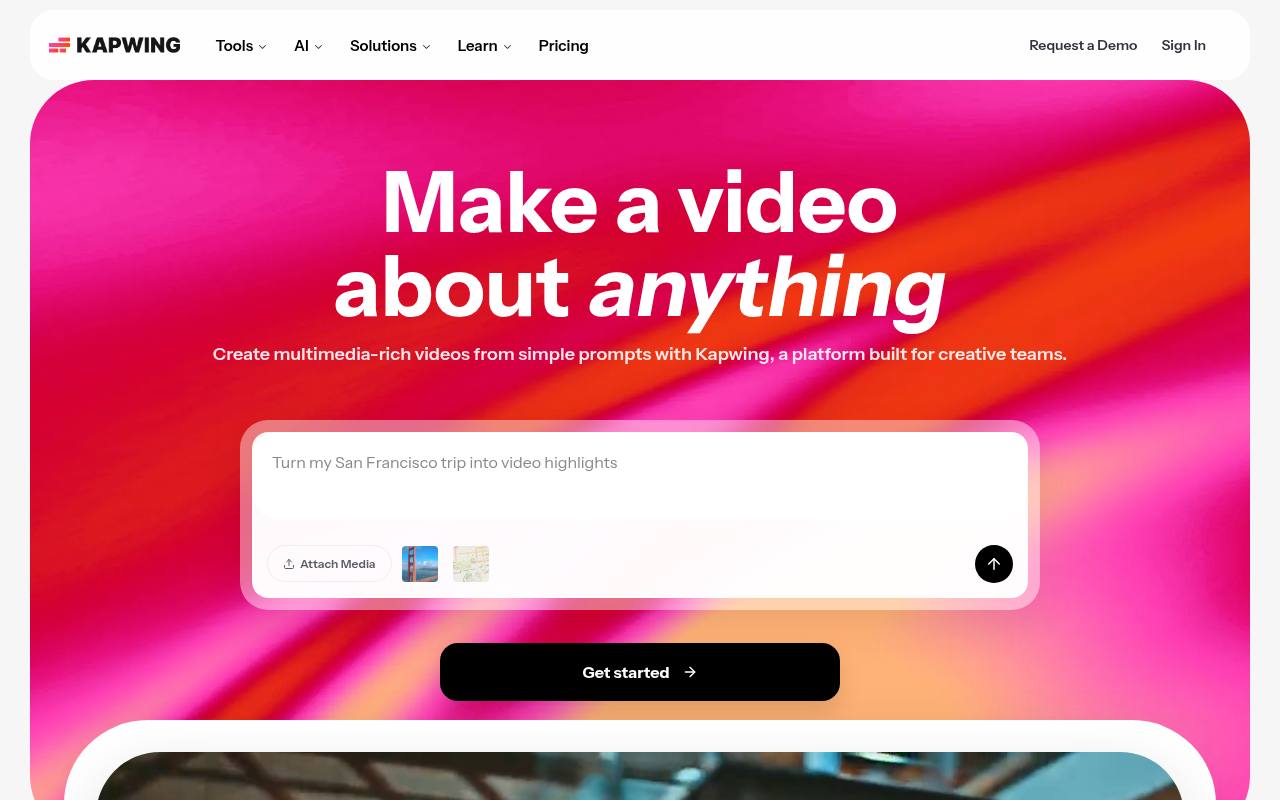
Kapwing is a browser-based video editing platform built for creative teams. Its drag-and-drop timeline lets you trim, combine clips and add overlays, with a collaborative interface for team feedback. It also offers subtitles, transcription, an audio editor and dubbing into 40+ languages. AI tools turn a simple prompt into a full video project with voiceover, visuals, subtitles and music. Smart Cut removes silences, and Repurpose Studio turns one video into social-ready clips. No downloads or installs are needed.
Strengths :
- Runs in the browser, no downloads or installations needed
- Edit videos by editing the transcript text
- Dubbing and translation into 40+ languages
Best for : Marketing, training and internal comms teams, educators and content creators who want fast, collaborative video editing online.
The 10 compared at a glance
| # | Company | Best for | Key strength | Website |
|---|---|---|---|---|
| 1 | DaVinci Resolve | Editors, colorists and production teams that want professional post tools tied to a full hardware ecosystem. | Editing and color tools in one application | blackmagicdesign.com |
| 2 | Avid Media Composer | Film, TV and newsroom editing teams that need professional, collaborative postproduction workflows. | Native FilmLight color tools inside Media Composer | avid.com |
| 3 | Descript | Marketing, sales, training and podcast teams that want to record, edit and publish video in one tool. | Edit video by editing the transcript text | descript.com |
| 4 | Camtasia | For companies that create training videos, tutorials, and how-to guides for employees or customers. | Multi-track recording of screen, camera, and audio as separate layers | techsmith.com |
| 5 | CyberLink PowerDirector | Creators, marketers, and businesses that want a capable video editor with built-in AI help. | PCMag Editors' Choice every year since 2011 | cyberlink.com |
| 6 | Lightworks | Filmmakers, editors and content creators who want a professional editor they can start using for free. | Two Emmy Awards for editing and live multicam innovations | lwks.com |
| 7 | Adobe Premiere Pro | Creators, marketing teams and businesses that want professional video editing inside a full creative suite. | Part of Creative Cloud, alongside Photoshop, Illustrator and Firefly | adobe.com |
| 8 | CapCut | Marketers, social media creators and designers who need fast video for YouTube and Instagram. | Timeline editor with EditPilot, which turns your direction into edits | capcut.com |
| 9 | VEED | Marketers and solopreneurs who need branded social videos and ads fast without filming. | Generation and editing in one browser-based workflow | veed.io |
| 10 | Kapwing | Marketing, training and internal comms teams, educators and content creators who want fast, collaborative video editing online. | Runs in the browser, no downloads or installations needed | kapwing.com |
What to check before you sign
- Find out what the free or entry plan leaves out, such as export quality, watermark removal, or AI features.
- Check how seats, AI credits, and cloud storage are billed as your team grows.
- Test the tool on your own computers, because pro editors can need a strong graphics card and plenty of memory.
- Make sure you can export projects and media in standard formats in case you switch tools later.
- Read the license terms for commercial use of stock assets, music, and AI-generated content, and confirm where your data is stored.
Where does Esekai fit in?
Esekai is not a software company. It is a Paris-based short-form video agency founded by Tony Lo. The team makes Shorts, Reels, and TikTok videos, creative ads, UGC, and AI-made short videos, and runs TikTok Ads and Meta Ads. It has served over 350 brands and companies in 3 years. Use the tools above in house, and bring in Esekai when you need finished videos at scale. Esekai, an AI video agency.
Conclusion
There is no single best video editor, only the right one for your team. Start with what you publish most. Test two or three tools on real projects. Check how pricing grows with your team, confirm you can export your work, and pick the tool people will actually use.
Honourable mentions: 10 more to know
| Company | Best for | Website |
|---|---|---|
| Clipchamp | Teams, teachers and creators who want to make social and business videos quickly without technical skills. | clipchamp.com |
| OpusClip | Creators, marketers, podcasters and media teams who want to turn long videos into short social clips quickly. | opus.pro |
| Submagic | Creators, marketing teams, agencies and media companies that need to publish many short videos quickly without editing skills. | submagic.co |
| Captions | Creators, marketers, and small businesses who need polished social videos and ads fast without editing skills. | captions.ai |
| WeVideo | Educators, corporate trainers, and creators who want to edit videos and make them interactive in one place. | wevideo.com |
| InVideo | Editors, creators and creative teams who want AI to handle repetitive editing work on ads, social videos and series. | invideo.io |
| VEGAS Pro | Creators and teams who want a full desktop video editor with strong audio tools alongside. | vegascreativesoftware.com |
| LumaFusion | Creators and teams who want to edit video professionally on a phone, tablet or laptop. | luma-touch.com |
| Movavi Video Editor | Beginners, creators and small teams who want quick, polished videos without a steep learning curve. | movavi.com |
| Shotcut | Teams and creators who want a capable, free desktop video editor without licensing costs. | shotcut.org |
Does your company deserve a place in this ranking? Write to us at contact@esekai.fr: we read every suggestion.
Our other rankings
- The 10 Best AI video tools (2026)
- The 10 Best PPC agencies in the UK (2026)
- The 10 Best SEO agencies in the US (2026)
- The 10 Best SEO agencies in the UK (2026)
Frequently asked questions
- What is the best free video editing software for business?
- DaVinci Resolve and Lightworks both offer free versions that can handle serious editing work. CapCut, VEED, and Kapwing also have free plans for quick social videos. Free plans often limit export quality, add watermarks, or cap AI features. Check those limits before you build a workflow on a free tier, and budget for a paid plan if your team grows.
- Which editor is best for social media and short-form video?
- CapCut, VEED, and Kapwing are built for speed. They offer templates, auto captions, and easy resizing for TikTok, Instagram Reels, and YouTube Shorts. Descript is a strong pick if your videos start as talking heads, webinars, or podcasts. Premiere Pro and DaVinci Resolve can do all of this too, but they take longer to learn.
- Do I need a professional editor like Avid or DaVinci Resolve?
- Only if your work calls for it. Avid Media Composer and DaVinci Resolve are strongest for long-form content, color grading, and teams sharing large projects. For marketing clips, training videos, or internal updates, Camtasia, Descript, or PowerDirector will get you there faster with less training. Match the tool to what you publish, not to the brand name.
- Are AI video editing features worth paying for?
- Often, yes, for routine tasks. Wyzowl's State of Video Marketing 2026 survey found that 63% of video marketers have used AI tools to create or edit videos, up from 51% a year earlier. Auto captions, filler word removal, and smart reframing save real time. Test them on your own footage and check whether your plan caps AI use with credits.